If you’ve ever bought something because it had hundreds of five-star reviews, or chosen the dish your waiter said “everyone gets,” you already understand why best sellers carousels work. They tap into one of the most reliable psychological patterns in shopping behaviour: when people are unsure what to choose, they look at what other people have already chosen.
It’s a simple idea, but it has a real effect on ecommerce performance. Here’s why a best sellers carousel earns its place on your homepage, and how to set one up on your WebSell store.
The psychology behind it
Social proof reduces decision fatigue
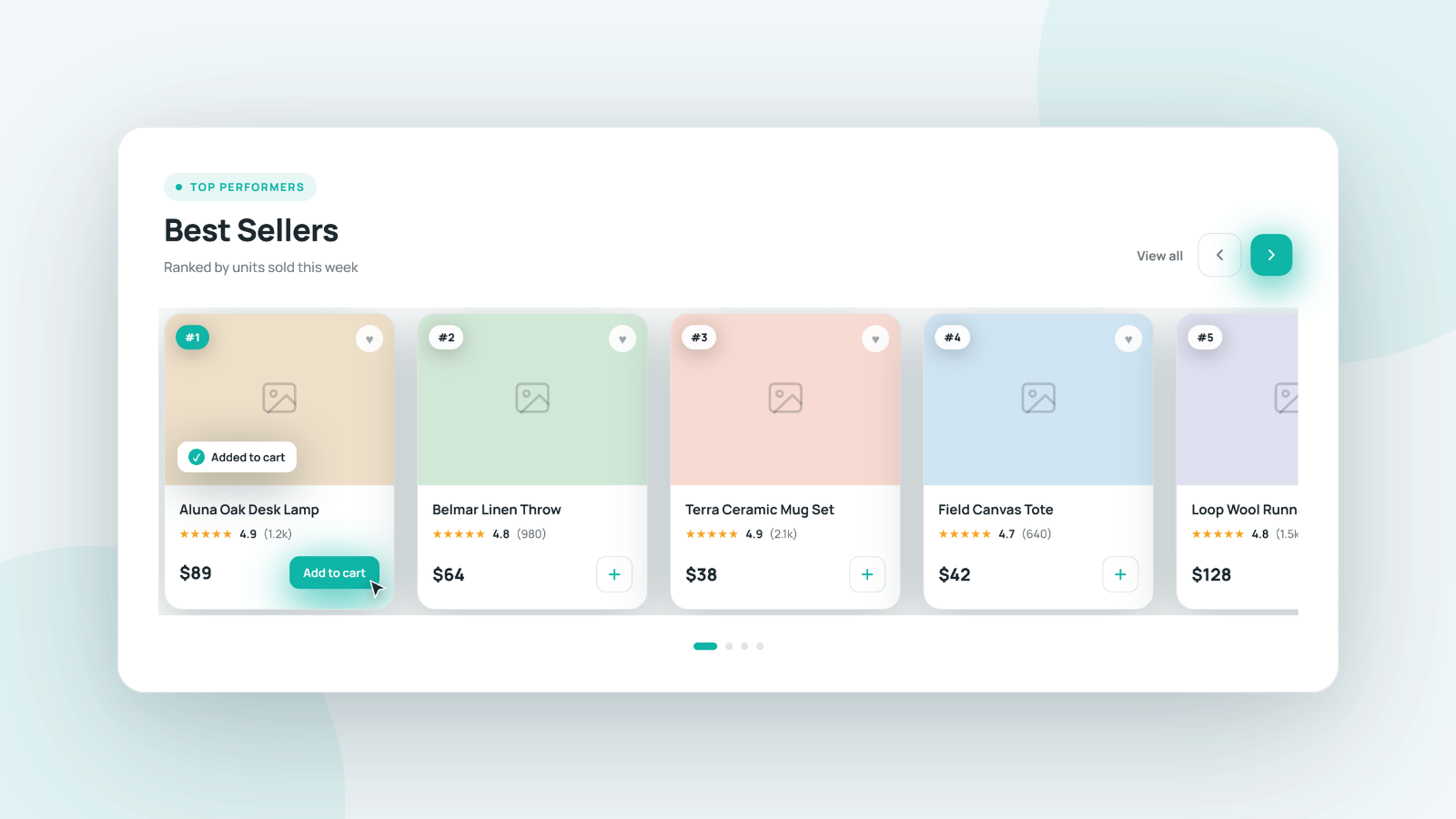
The average online shopper is choosing from dozens, sometimes hundreds, of products without the benefit of a salesperson to guide them. A best sellers carousel does some of that work for them. It says, in effect, “if you don’t know where to start, start here.” For a visitor who’s still deciding whether to trust your store at all, that’s a meaningful signal. Popularity reads as credibility.
It shortens the path to purchase
Every extra click or moment of hesitation between a visitor landing on your site and adding something to their cart is a chance for them to leave. A best sellers carousel on your homepage gives undecided visitors a fast, low-risk way forward — skipping the browsing and filtering altogether and going straight to products that are already proven to convert.
It reinforces decisions your other customers have already made
There’s a reassurance effect at play too. Seeing that a product is a genuine best seller, not just something your marketing team picked to feature, makes a purchase feel like a safer bet. That reassurance matters most for new visitors who don’t yet have a relationship with your brand.
It naturally promotes what’s actually working
A best sellers section is also just good business sense. It puts your highest-converting, most in-demand products in front of the most visitors, rather than relying on manual merchandising decisions that can quickly go stale. The products doing the best job of converting get the most visibility — which compounds the effect over time.
Where it works best
Best sellers carousels tend to perform strongly in a few key locations:
- Homepage — giving new and returning visitors an immediate, low-effort way into your catalogue
- Category pages — surfacing the most popular products within a specific category, which is especially useful for stores with large catalogues
- Checkout and cart pages — as a gentle upsell, showing other popular products before a customer completes their purchase
- Out-of-stock or empty search result pages — giving visitors something compelling to look at instead of a dead end
How to set it up on WebSell
If you’re a WebSell customer, good news: this is one of the simplest features to add to your store, and it works exactly the same way as the other carousels you’ve likely already used.
Step 1 — Open your carousel settings
Head into the WebStore Manager and navigate to the carousel section on the page where you’d like to add it.
Step 2 — Select “Populated by bestsellers”
In the carousel type dropdown, choose “Populated by bestsellers.” Your carousel will now automatically populate with your top-performing products — no manual product selection required.
Step 3 — Add rules to refine it (optional)
Want more control? You can layer in rules the same way you would with any other WebSell carousel. A few ideas:
- Show best sellers from a specific category only
- Limit the carousel to products currently on sale
- Combine rules to create a highly targeted “best sellers in [category] on sale now” carousel
Step 4 — Save and you’re done
Because the carousel is rules-based, it stays accurate automatically. As your best-selling products change, your carousel updates with them — no manual maintenance required.

The bottom line
A best sellers carousel is a small addition with an outsized effect. It reduces friction for undecided shoppers, reinforces trust through social proof, and puts your best-converting products exactly where they’ll do the most good. And because it’s self-updating, it keeps working in the background without adding anything to your team’s to-do list.
If you haven’t added one to your store yet, now’s a good time to start.